
subtitling and newsletter
- mlgmaxwell115
- Oct 8, 2021
- 3 min read
Updated: Oct 15, 2021
Exporting avatars
I finished the avatars up at the beginning of this week by adding a background that was the iconic color of digital inc. Once I got all the backgrounds sorted out it was finished so then I opened them up in photoshop to get the sizes perfect. Once I got the right size I exported them as PNG’s.
Distribution to the team
I sent this email to all the members of digital advantage that I made avatars for.
Here are all the Avatars I have been working on. You can use them as your profile pic on your google account or LinkedIn. To set it as your google profile pic you open a new tab then click on the profile pic, top right then click on the camera and you have the option to change it to any image you have from there
work on subtitles
My next task for the week was to do research on subtitles and add them to some Digital Inc. videos. At first, it was really tricky as I haven't really done anything like this but after I understood how to do it I got the hang of it. It was interesting finding out so much about it.
Pieces for subtitles
I finished the subtitles and found it a great experience. I learned more about marketing and pricing for subtitles and learning different types of subtitles. I learned that they charge per minute, which was pretty interesting.
Adobe Max conference
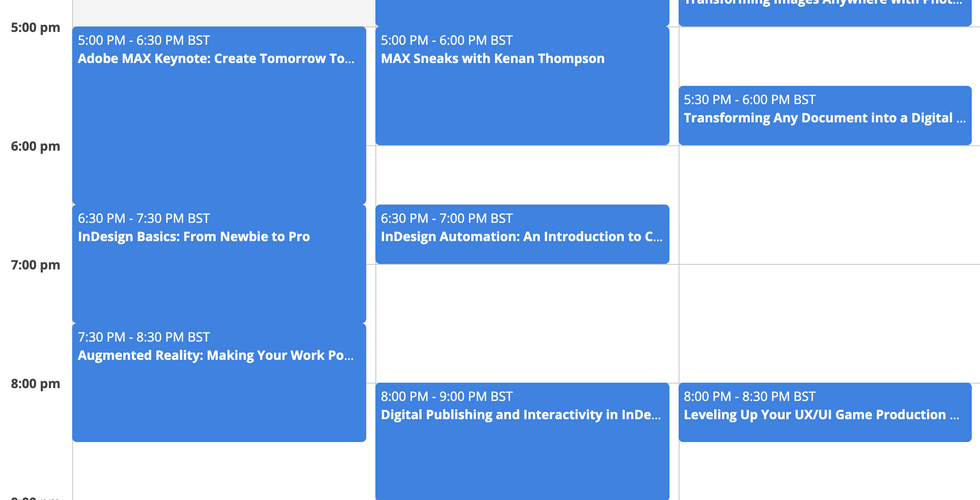
There's an Adobe Max conference going on in 2 weeks and I have signed up for that and started to choose some interesting ones to join learning all about stuff I'm passionate about. I'm really excited.
Newsletter
At the end of the week, I got started on the newsletter task. I am going to be using skills I learned from week 1 InDesign tutorials as I am going to be making/editing a newsletter. For now, I am just doing research on layouts and designs for newsletters and also having to keep in mind the client I am working for as I cant use something like a bright and colorful newsletter as it has to fit with the person's work I am looking for.
Stock graphics template websites
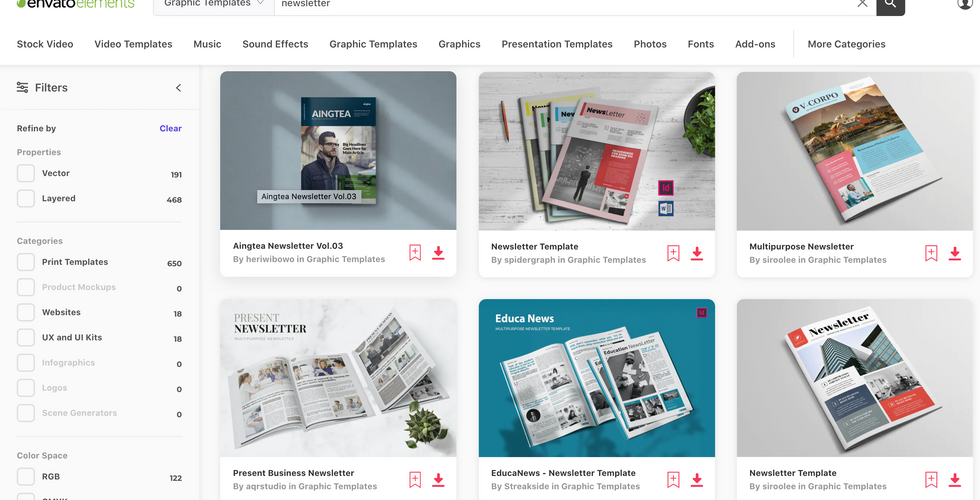
At first, I did my research on adobe stocks as that was made by adobe, and I would be using the adobe program, InDesign to make the newsletter but after a while of searching, I found a website that was far better called Envato. This was a lot better as the designs suited the client a lot better.
Adobe stock
This is the first one I used as it was made by adobe it was a lot easier to find newsletters for adobe InDesign and it would be a lot easier to download them to my adobe account.
Envato Elements
Envato is like adobe stocks as it has a bunch of templates to choose from that you can download to InDesign but they have a lot better choices and the tyes they had suited my client a lot better.
Adobe Spark
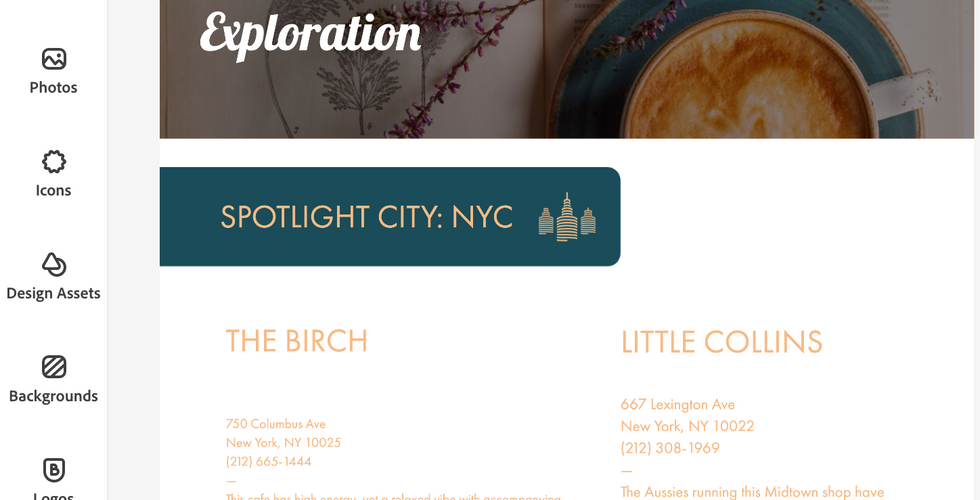
Adobe Spark is a website where you can choose a template and immediately add and edit it from there using simple tools.
enjoyed using this as it is different from the other 2 as they are more to do with downloading templates and this is more about making them. It is a lot more simple than InDesign, which has its pros and cons as it is easier to use and learn but it has a lot fewer features.





Comments