
DA Christmas animation
- mlgmaxwell115
- Dec 20, 2021
- 2 min read
This week I have been working on a Christmas animation it’ll tell you all about what I worked on each day.
Day 1 idea
On the first day, I was coming up with lots of different ideas for the animation and created some storyboards and sketches for the concept design. Some of the ideas that I didn’t use were, shaking a snow globe and are avatars being snowmen, opening a present and are logos coming out of it, Avatar are nuts getting cracked by nutcracker, and the one I almost went with was a Christmas tree and the avatar baubles with lights flashing around.

Day 2 graphics
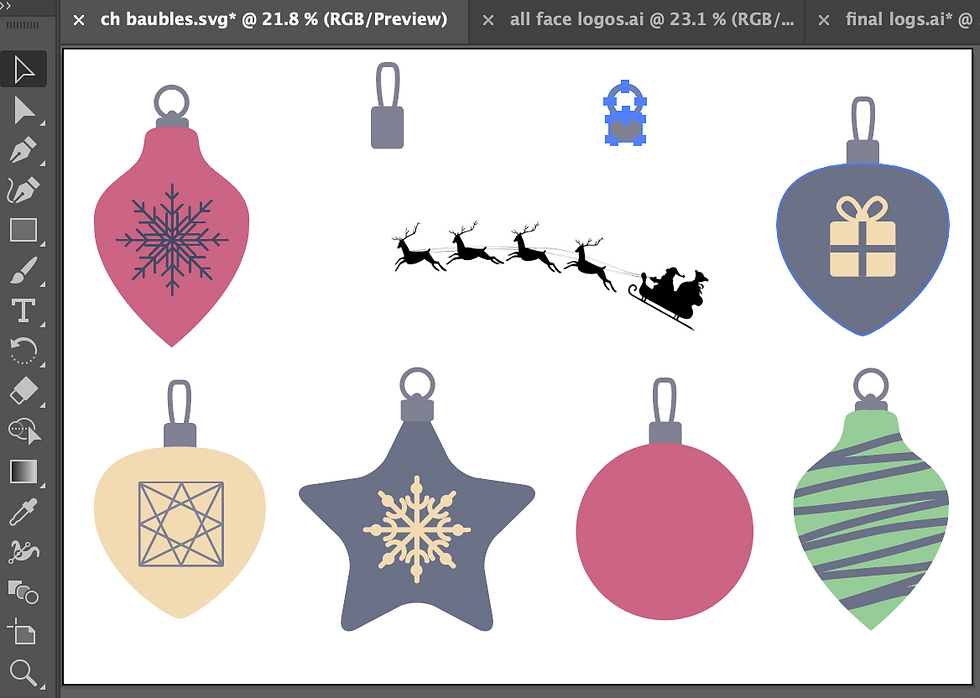
I used both Envato and Vecteezy for the graphics they had high-quality free assets i could use but I had to tweak them in illustrator and photoshop to get rid of the background and turn them into PJGs to use in Keynote
Day 3 animation
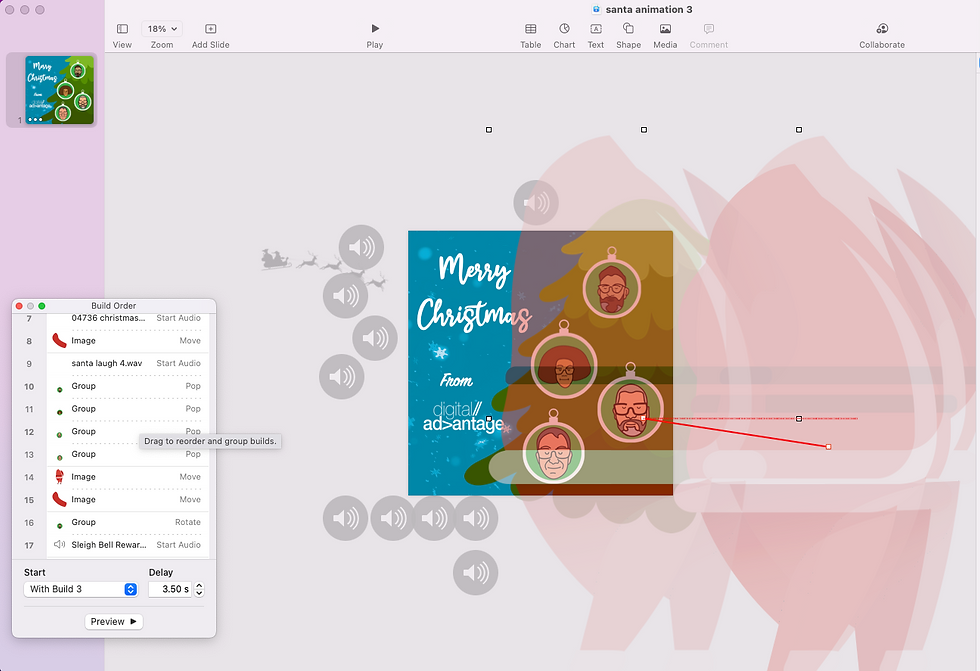
I decided to use Keynote to do the animations as it works a lot better than to photoshop way I have tried in the past. I used so many different tools I haven’t used before in keynote I could feel my skills and knowledge for Keynote improving it was a great feeling knowing next time I use Keynote ill be able to do the animation very smoothly.
Day 4 sound/ tweaks
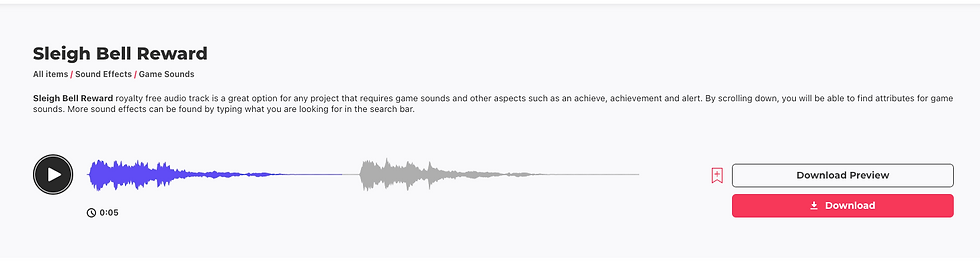
I also used Envato for the sounds it took me a while to find the perfect sounds but once I did I added them in and had to adjust some of the animations to aline with the sound properly i did this by binding the sound to some of the movements and also putting delays on some animations.
day 5 tweaks/ publishing
For the last day, I did some final adjustments to make sure everything flowed perfectly. Once I did that I did some research on the best way to post on social midia and how to get the best engagement. I also had to do some research on how to post on li need in as I’m still new to understanding how LinkedIn works.


Comments