
Animation andInduction
- mlgmaxwell115
- Nov 22, 2021
- 2 min read
Animation work
Research
I did some animation work using photoshop. It was interesting learning about it as I didn’t know you could do that on photoshop. It seemed complicated at first so I had to do a lot of research on how to do it.
I had to do some research for the animations as I tried doing it a different way to the first version I made.
How I did it
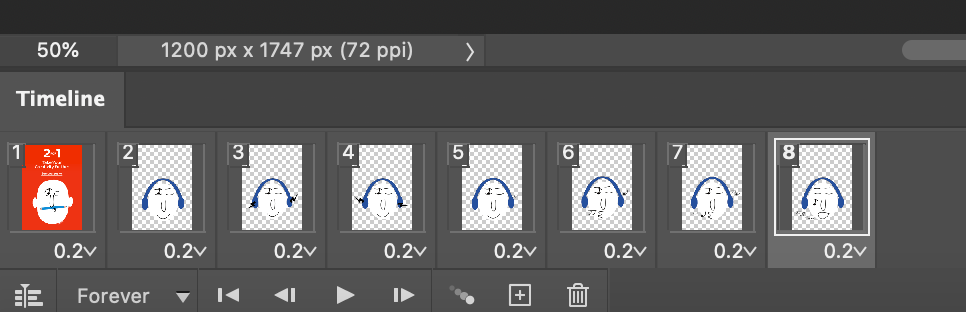
There are 2 different ways you can do animation in photoshop. 1.Create animated frames and 2. create a video timeline, I used both ways. I first used the animated frames but that way seemed a lot more complicated and harder to pull off so I started my first proper animation project using a video timeline as that was more familiar to me as I have done animations using tools like that before. I haven’t used it in a while so I needed a few minutes to refresh myself but after that, I didn’t struggle too much making the first animation.
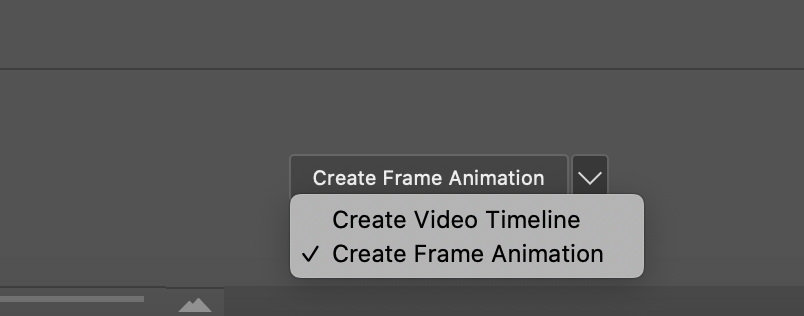
Video timeline is like Adobe after effect where you use key points to mark positioning and they do the in-between for you but animated frames are more like stop motion animations you have to create each individual frame yourself and piece them together, making it look a little choppy if you don’t do enough frames.

Final videos
heres how they both look once i finished animating them
Induction
Prep
I have an Induction with Now SKills next week so I had to get prepared for it. For that I had to go through all the emails and check I have done all the work for them so I could have it all done by Tuesday next week. I had it all up to date except the English and maths tests so I had to do them. We expected it to take a long time but it took way longer than expected as there was so much to do, so I have mostly been working on that for the week.


Comments